
Create a Pro Website©

What You'll Be Able to Build
Ecommerce Store 2026
2026
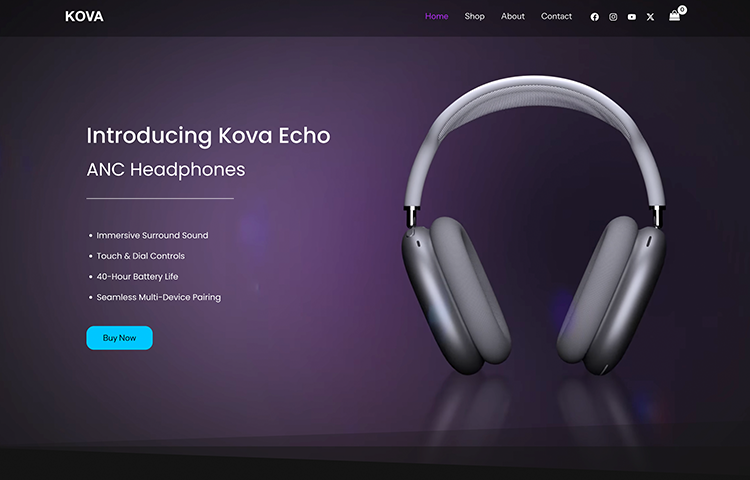
Personal Portfolio #1
2026
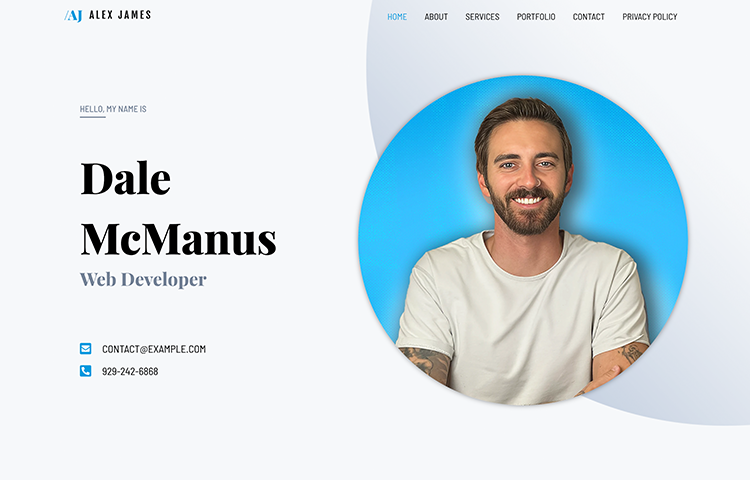
Small Business Website
2026
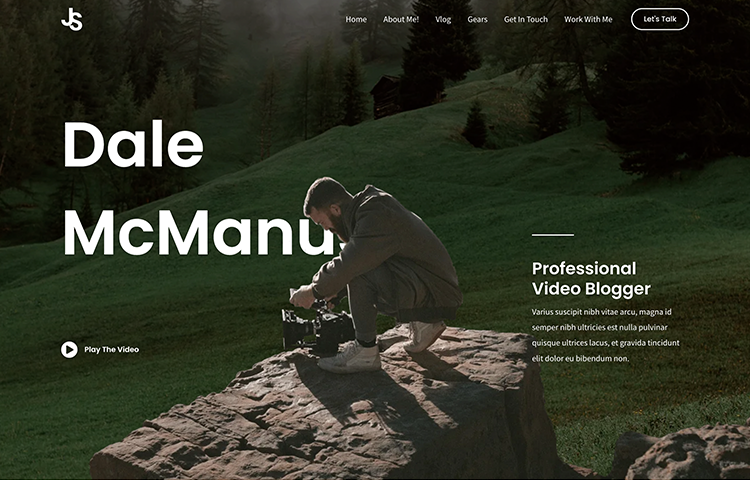
Personal Portfolio #2
2026
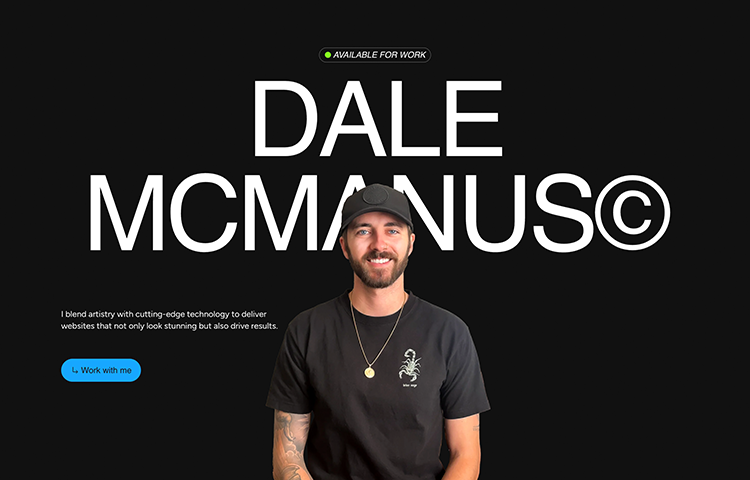
My Success Stories
I take pride in collaborating with a diverse range of clients, from ambitious startups to established enterprises.
“I tried learning WordPress multiple times and always gave up. This was the first channel where nothing felt confusing or rushed. Every step actually made sense, and I finally built a site I’m proud of.”
“I wasted weeks watching random tutorials before finding Create a Pro Website. The step-by-step approach saved me so much time. No fluff, no coding, just clear instructions that work.”
Why Watch My Tutorials
Truly Beginner-Friendly
No coding, no jargon, and no assumptions. Every tutorial is built for people starting from zero and explains why each step matters.
Step-by-Step (Nothing Skipped)
You follow along from start to finish with every click shown on screen—so you never get lost or stuck halfway through.
Real-World Results
By the end, you don’t just “learn”—you actually launch a real website or online store you can use, share, or sell from.
I Only Recommend What I Actually Use
I will never push a single tool that I don't actually use in my daily life making websites.
No More Sponsored Videos
When I first started this channel I needed an income, so I allowed companies to sponsor videos in exchange for promotion of their product. But now I only make videos on what I believe is truly helpful—no bribes, no bs.
Huge Discounts (Affiliate Links)
With all of my tutorials, I share a huge discount code for your web hosting & a free domain name. This is an affiliate link so I do get paid when you use it, BUT it saves you money and helps me get paid without any cost to you. And again, I only have affiliate links for tools I ACTUALLY use myself.
1. Get Hosting + Domain Name
First we get started by securing hosting and a domain name. Hosting is an online server where all of your website files live. You need this in order to launch your site. And a domain name is the address people type in to get to your site.
2. Install WordPress
Next we install WordPress so we can start building our site. WordPress is the most popular CMS (Content Managment System) in the entire world. It powers of 40% of websites on the internet.
3. Choose a Theme
Picking the right theme is what sets you up for a smooth experience while building your website. My favorite theme is called Astra. It's clean, professional, and super easy to use. It also comes with TONS of awesome starter templates which saves you loads of time.
4. Customize Your Website with Elementor
This is the fun part! I show you step-by-step how to use Elementor page builder to customize your website. Elementor is a super easy drag and drop page builder that allows you customize visually, rather than using code. You can change everything from text, colors, images, icons, spacing, layout, and more.